How To Change The Dock For Mac Sierra
Free icloud removal program. Actually if you haven't greatly personalized your Boat dock using Fatal instructions, this week's power tip can come in handy. Because this won't just obtain rid of Airport terminal customizations. It'll reset your Pier to its default settings, simply like when you first had taken your Mac out of the container. Default apps will be refurbished to their regular locations, and preferences like magnification, concealing, and so on, will end up being reset to zero.
How To Change The Dock In Iphone
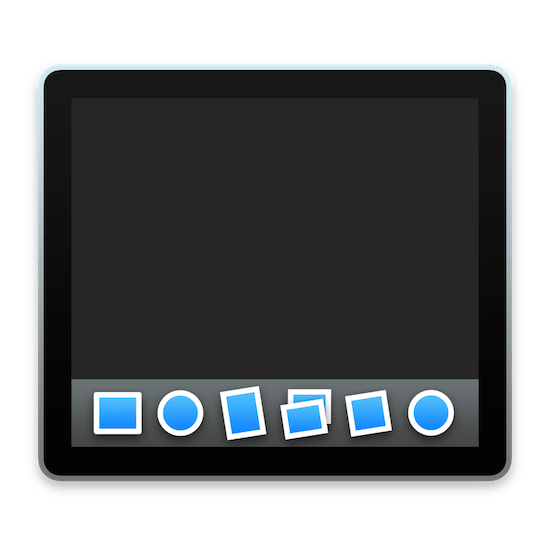
Everything will be reset to zero. How to reset your Pier to its default. Open Terminal (located in the Utilities folder). Type (or copy and insert) defaults delete com.apple company.dock; killall Dock. Hit return. Your Boat dock will today be brand-new as the day it shipped.
Customize once again with care.
How To Change The Dock On Ipad
The Dock in Mac OS X is how most users launch their frequently used applications, but it can also be a great way to jump directly to your favorite websites. The Dock’s value is cardinal in macOS since it has been around for more than a decade. The Dock is the placeholder at the bottom of your Mac’s screen that shows open applications and allows you to pin apps and folders to quickly access them. The Stacks feature of the Dock in macOS High Sierra can be a time-saver. The Dock is the bar of icons that sits at the bottom or side of your screen. It provides easy access to many of. Is antivirus needed for mac. Nov 26, 2017 Changing Dock Icons in Mac OS High Sierra. Discussion in 'macOS High Sierra (10.13)' started by Berwyn, Nov 26, 2017.